13 Best Free Websites for Icons, Illustrations and Backgrounds
13 free sites for icons, illustrations and backgrounds, with exactly what each licence asks of you.
A good design can fall apart because of the wrong icon, a messy illustration or a flat background. And the free assets you download come with licences that aren’t all the same.
Here are 13 free sites for icons, illustrations and backgrounds, what each licence asks of you, and four tips to keep your designs consistent.
At a glance
| # | Site | Type | Licence | Credit needed? |
|---|---|---|---|---|
| 1 | Iconify | Icons | Varies by set | Depends on the set |
| 2 | Lucide | Icons | ISC (some MIT) | Keep the notice in code |
| 3 | Heroicons | Icons | MIT | Keep the notice in code |
| 4 | Phosphor | Icons | MIT | Keep the notice in code |
| 5 | Font Awesome (free) | Icons | CC BY 4.0 | Yes |
| 6 | Tabler Icons | Icons | MIT | No |
| 7 | unDraw | Illustrations | unDraw licence | No |
| 8 | Storyset | Illustrations | Storyset terms | Yes, every time |
| 9 | Open Peeps | Illustrations | CC0 | No |
| 10 | Haikei | Backgrounds | Not stated | Check first |
| 11 | Hero Patterns | Backgrounds | CC BY 4.0 | Yes |
| 12 | Mesh | Gradients | Not stated | Check first |
| 13 | Cool Backgrounds | Backgrounds | Not stated | Check first |
Icons
1. Iconify
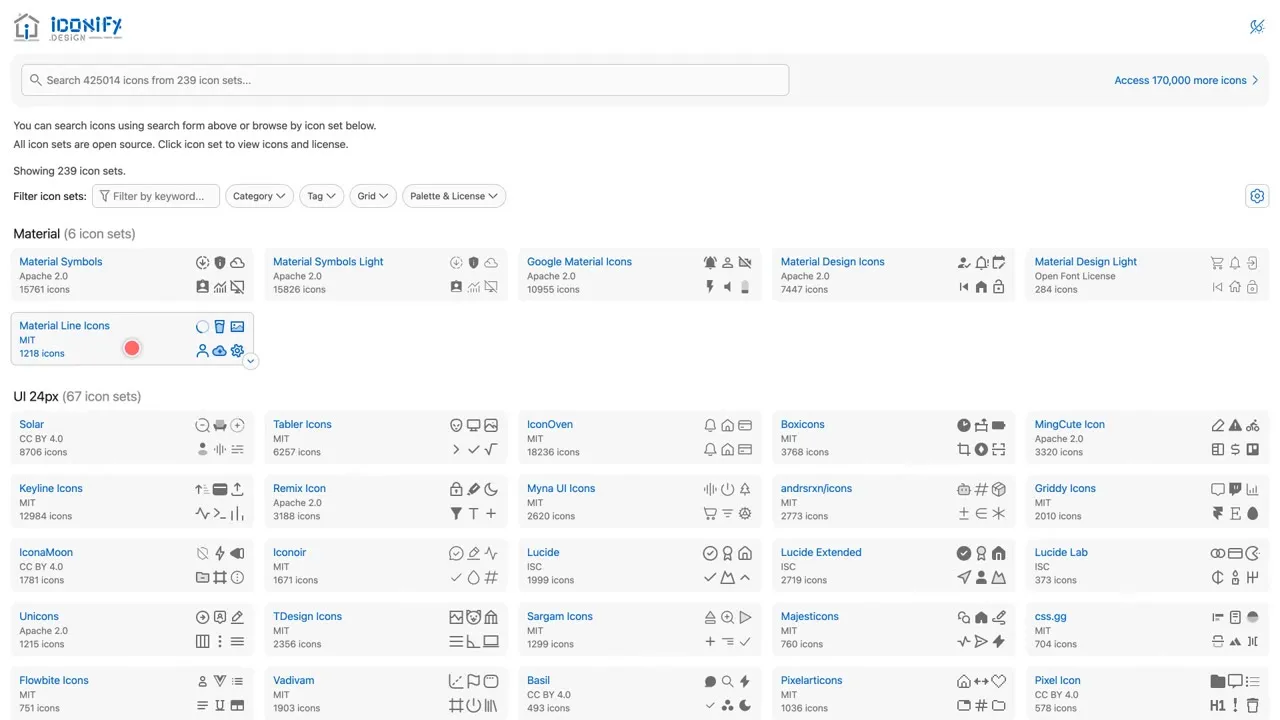
More than 200 open source icon sets in one place, searchable all at once. The key detail: every set lists its own licence, like MIT, Apache or Creative Commons. Pick the set first, then check its licence. At least one set is marked non-commercial, so skip it for client or monetized work.
Link: icon-sets.iconify.design
2. Lucide
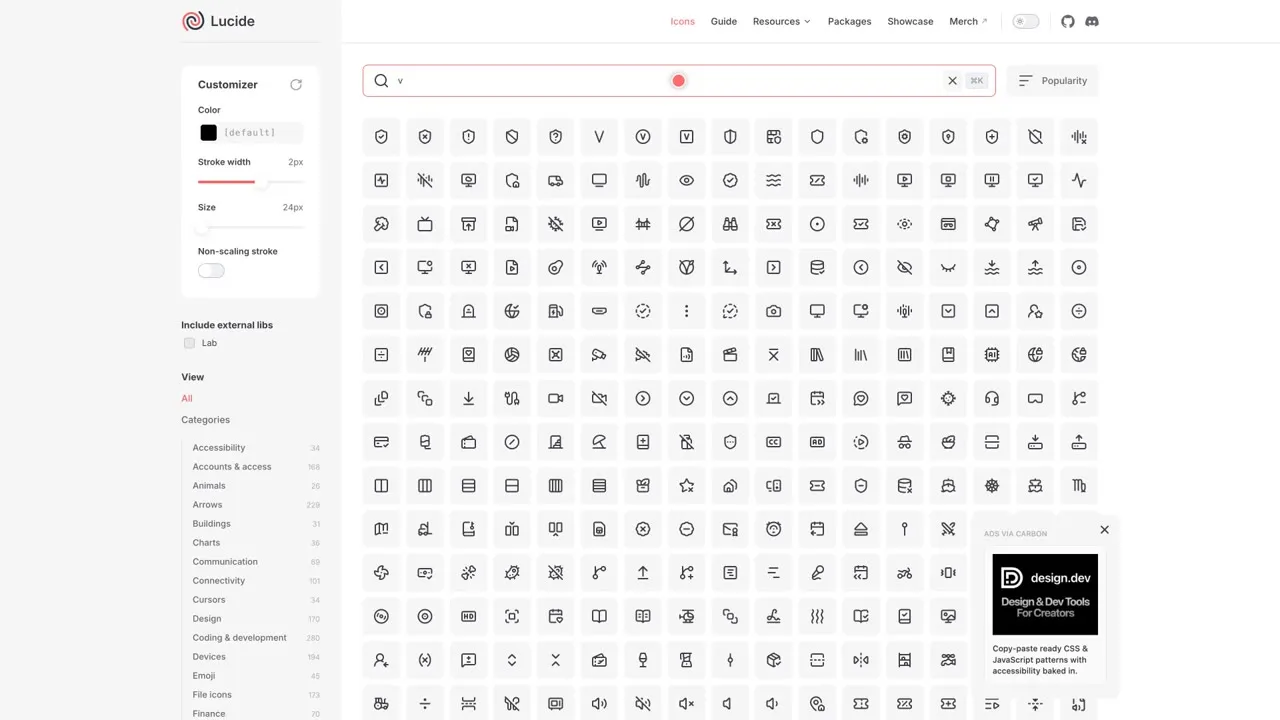
Search the set, click any icon, and customize stroke width, size and colour in the sidebar. Lucide uses the ISC licence: use the icons for any purpose, as long as you keep the licence notice with the code you ship. A small group of icons that came from Feather use MIT, with the same notice rule.
Link: lucide.dev/icons
3. Heroicons
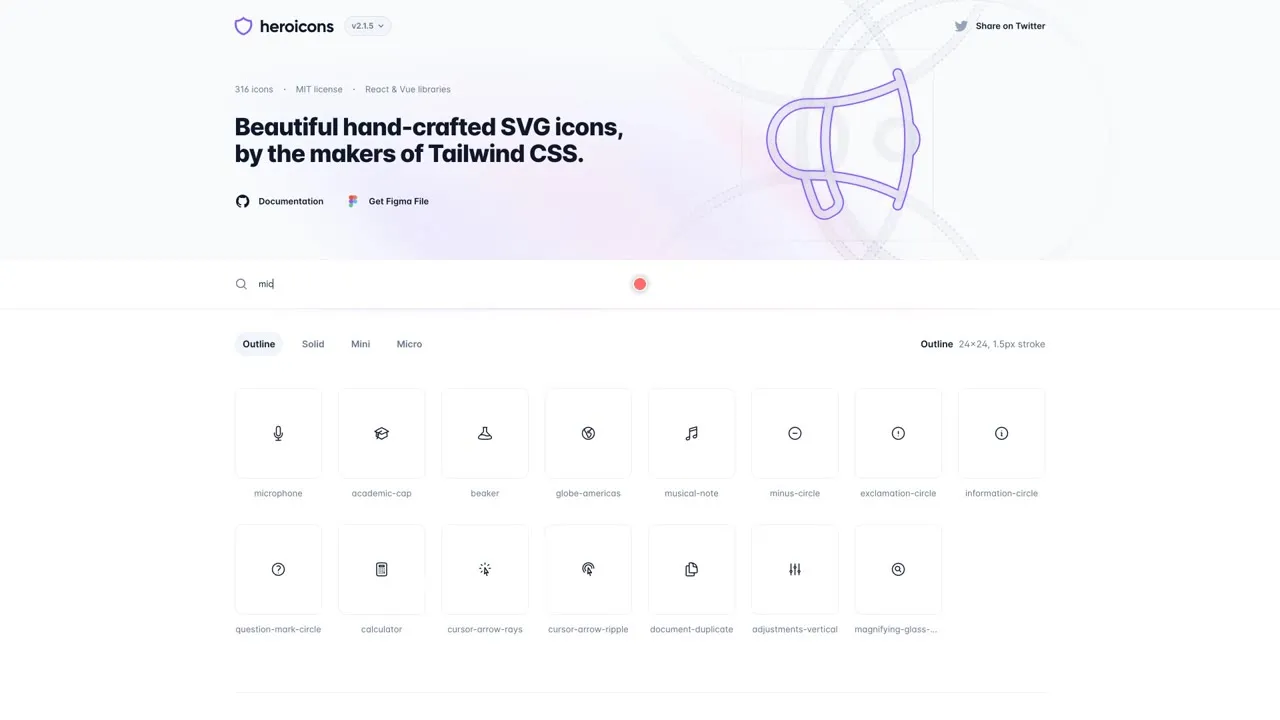
Made by the team behind Tailwind CSS, with outline, solid, mini and micro styles and instant search. The licence is MIT, so it’s free for personal and commercial work; the only condition is keeping the copyright notice in copies of the software.
Link: heroicons.com
4. Phosphor
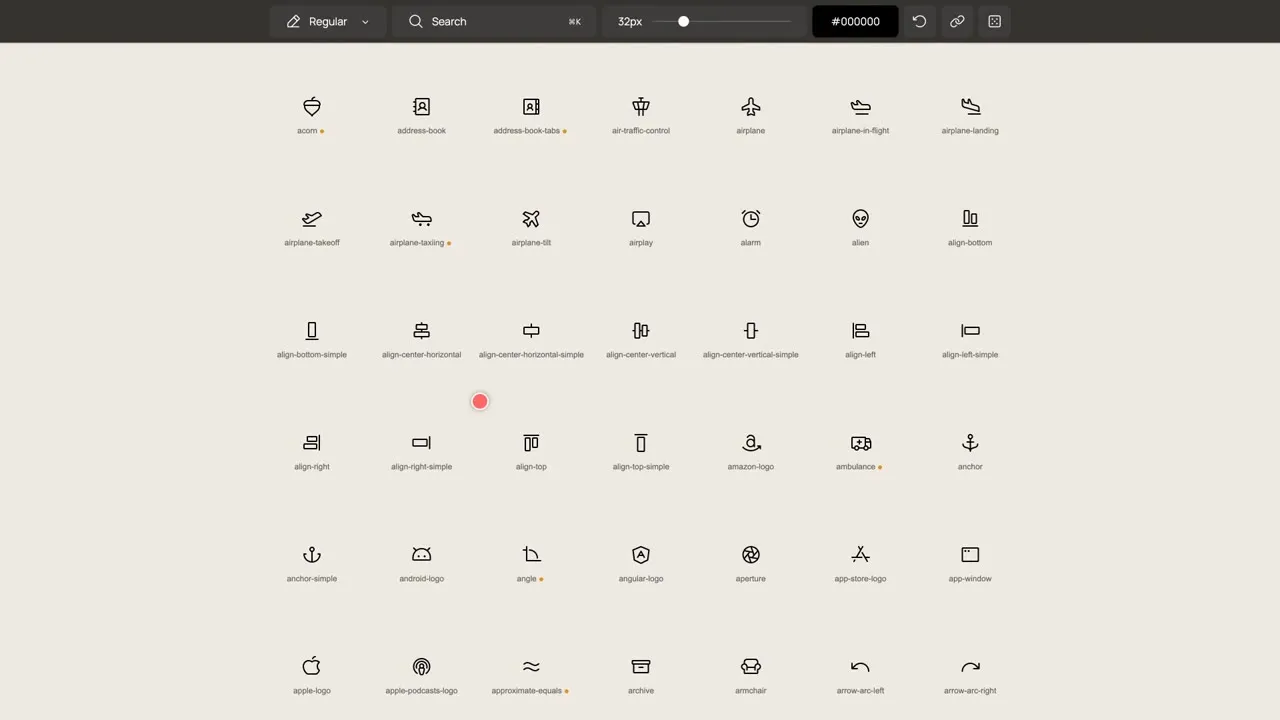
A flexible icon family with over 9,000 icons. The top bar lets you change size and colour before you copy an icon. MIT licensed, free and open source, with the same copyright notice rule.
Link: phosphoricons.com
5. Font Awesome
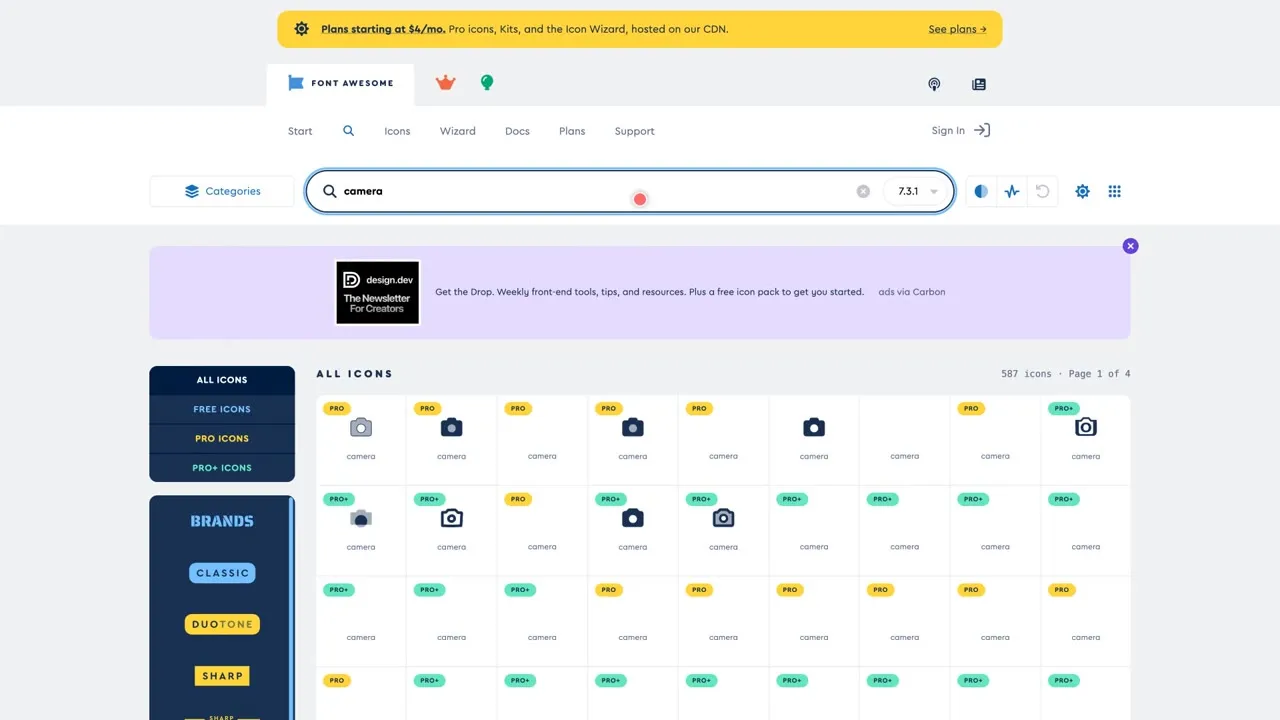
Search the library, then switch to the free icons, because Pro icons need a paid plan. The free icons use Creative Commons Attribution 4.0, so credit is required. The downloaded files already carry the attribution comment, so just don’t delete it.
Link: fontawesome.com/icons
6. Tabler Icons
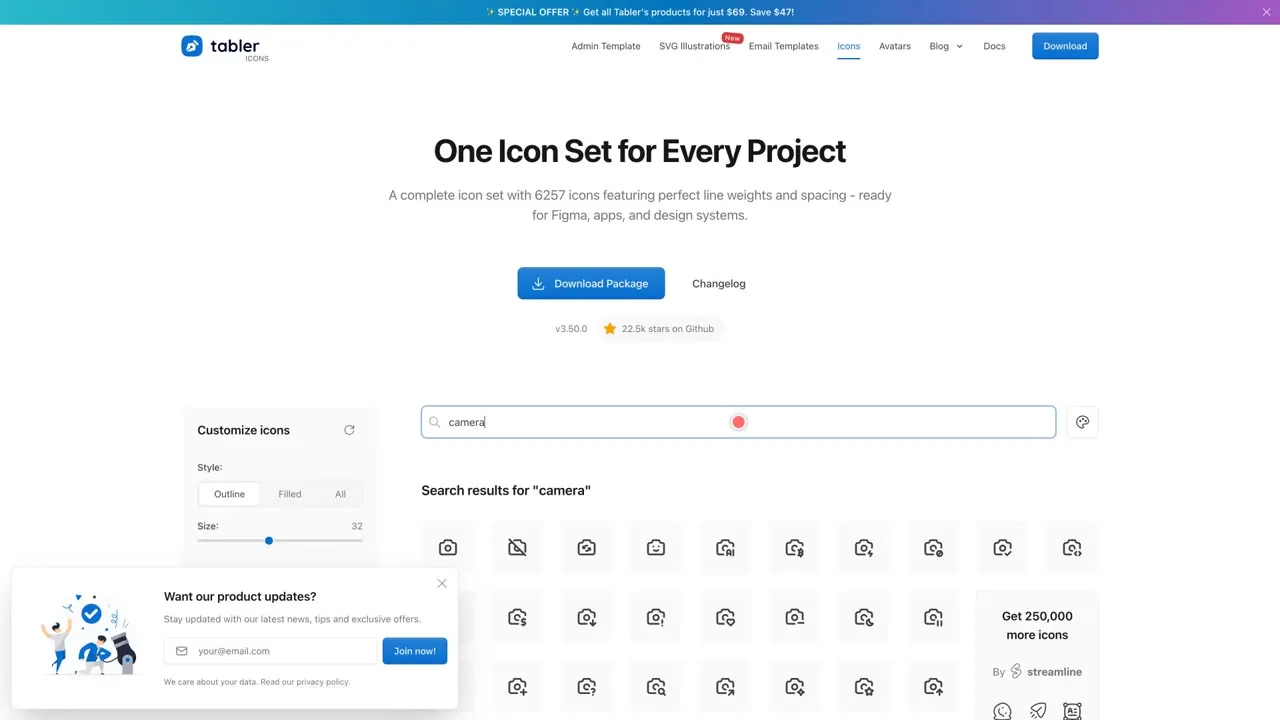
More than 6,000 free vector icons, with sliders for size and stroke. Click an icon to see its SVG code. The site says it’s free for personal and commercial use under MIT, with no attribution required.
Link: tabler.io/icons
Illustrations
7. unDraw
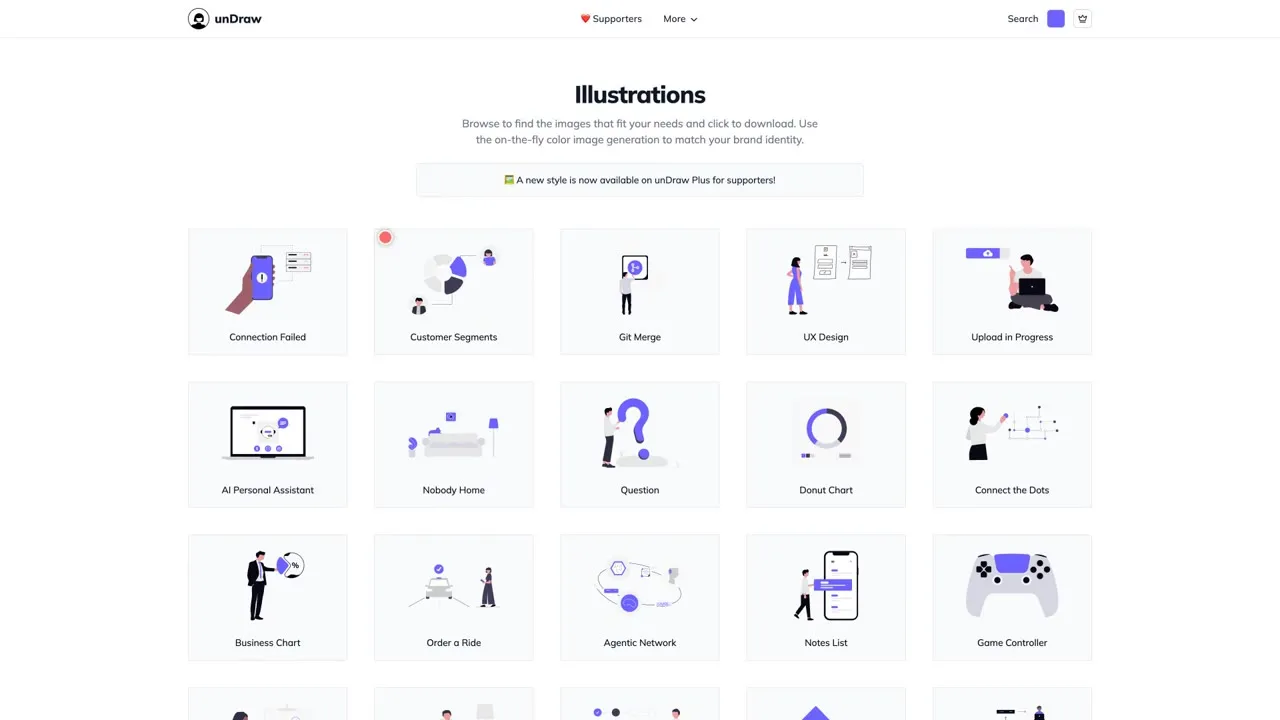
Illustrations you can recolour to match your brand, downloadable as SVG or PNG. You don’t need to credit unDraw and you can use the illustrations commercially. You can’t repackage them into a pack, build a competing library, or use them to train AI models.
Link: undraw.co/illustrations
8. Storyset
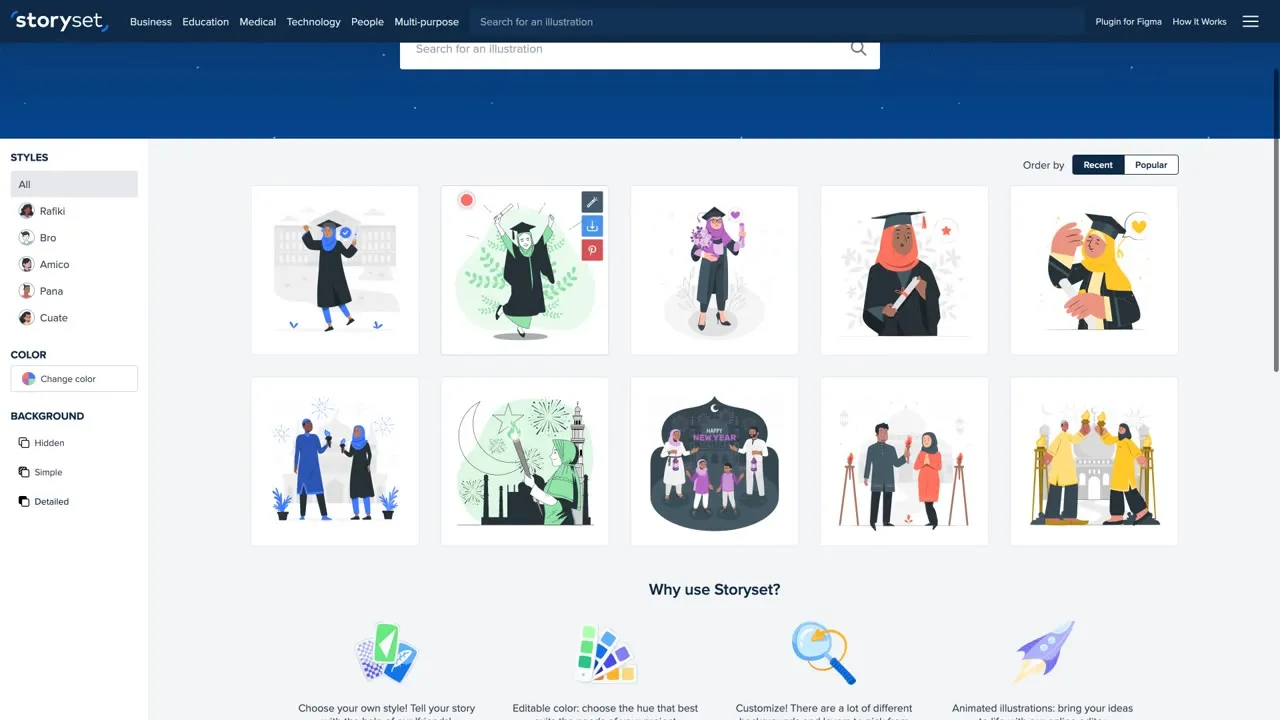
A big library of illustrations in styles like Rafiki, Bro, Amico and Pana, which you can customize, animate and download. The condition: the site says you must always credit Storyset every time you use its free illustrations.
Link: storyset.com
9. Open Peeps
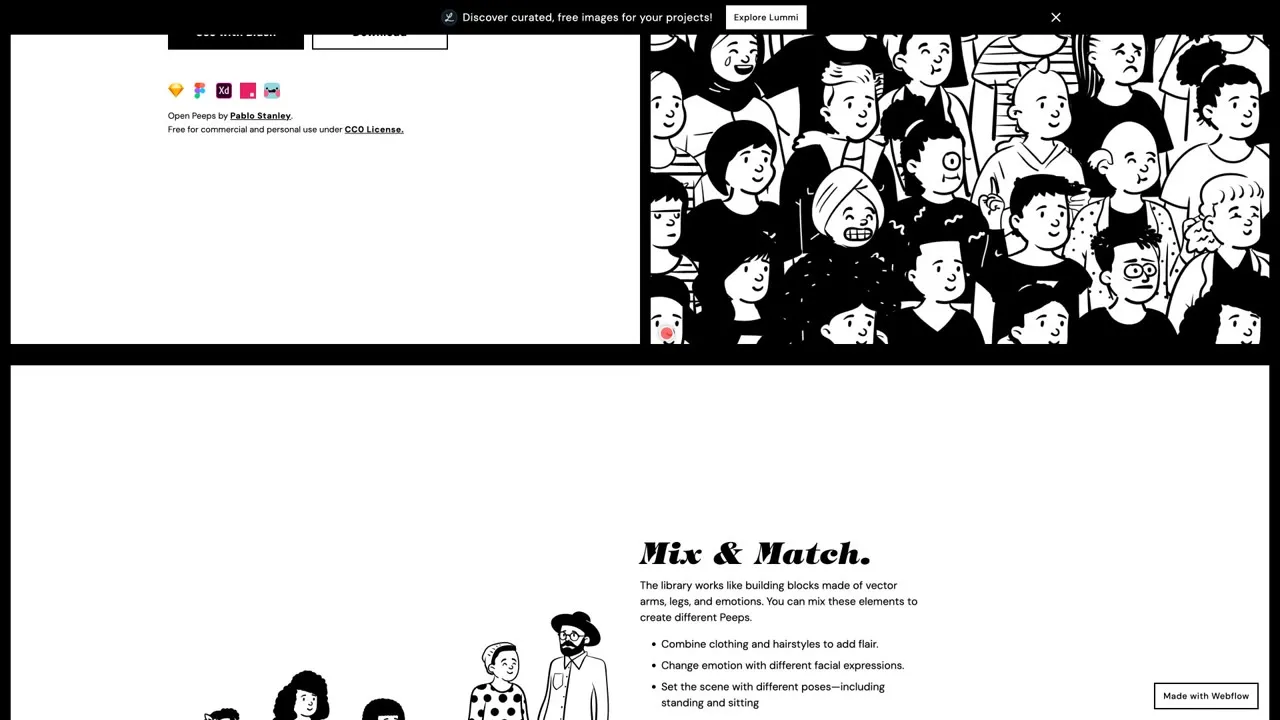
A hand-drawn illustration library by Pablo Stanley. Mix and match clothing, hairstyles and poses to build your own characters. Released under CC0: free for commercial and personal use, no permission needed.
Link: openpeeps.com
Backgrounds
10. Haikei
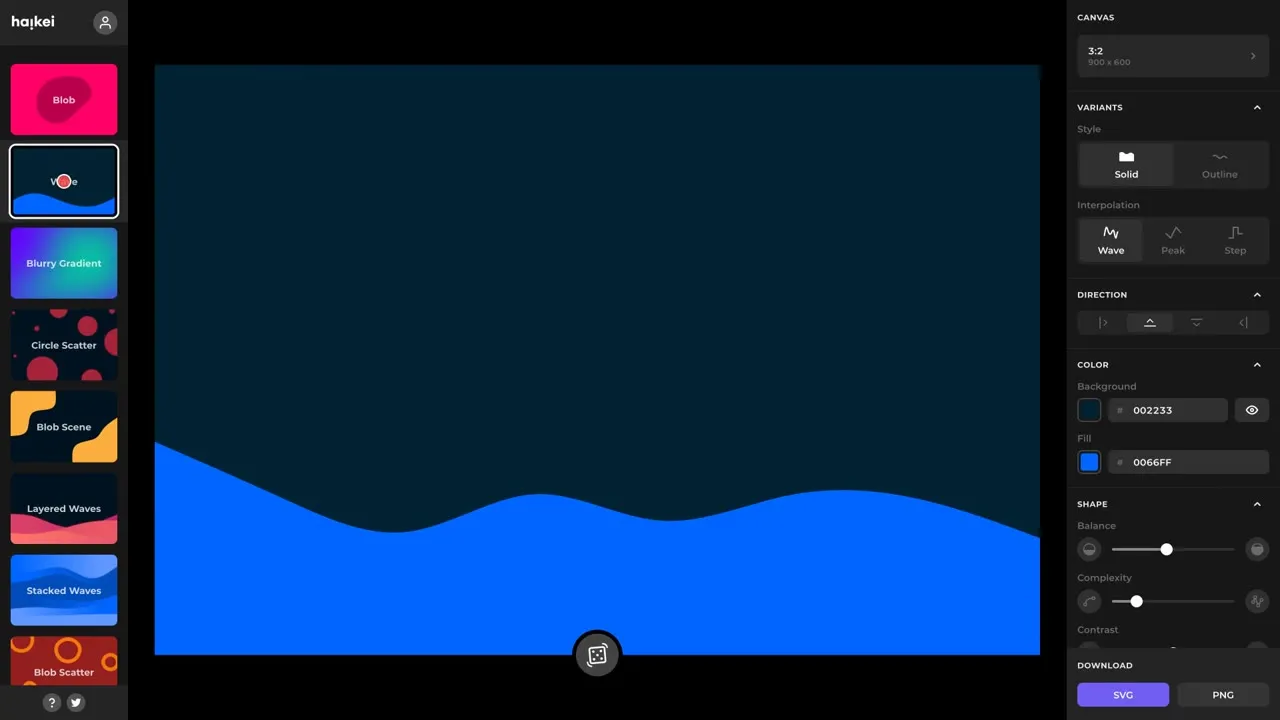
Pick a generator like wave, blurry gradient, layered waves or low poly grid, adjust the colours, and export as SVG or PNG. The home page says it’s free with no sign-up, but there are no clear licence terms for generated assets, so check before using them in client work.
Link: haikei.app
11. Hero Patterns
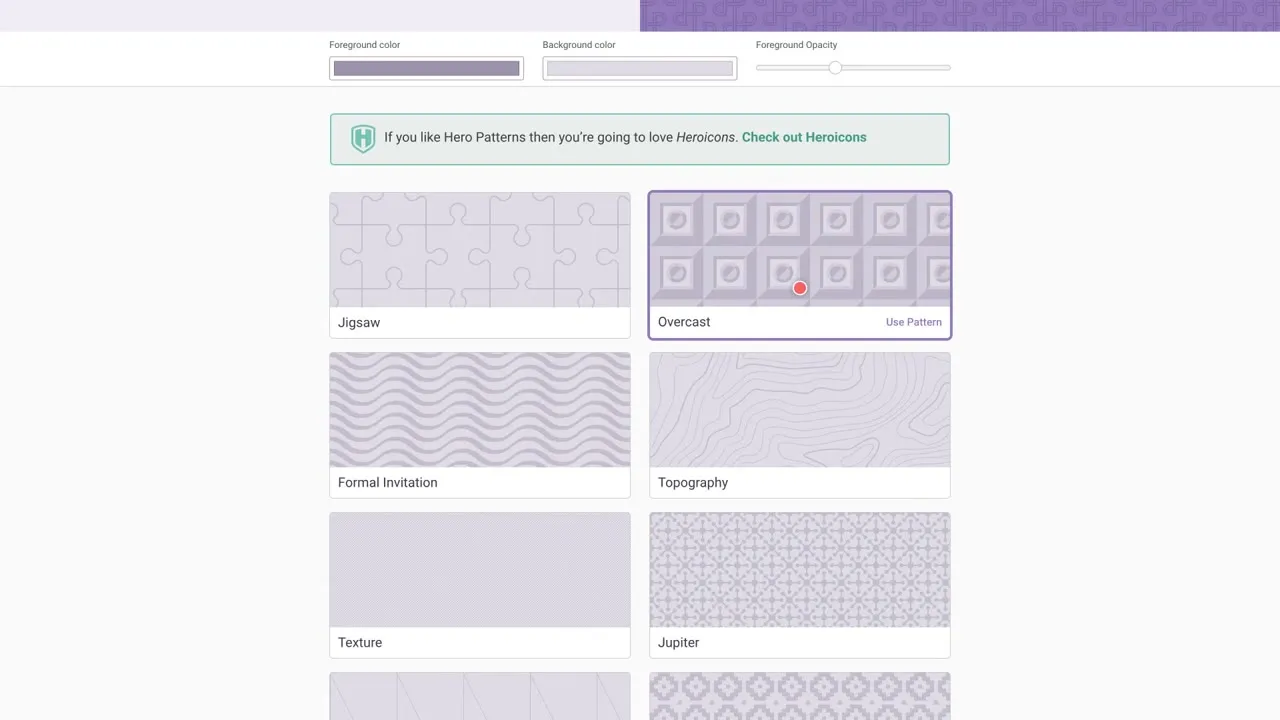
Repeatable SVG background patterns. Click a pattern, change the foreground colour, background colour and opacity, and copy the CSS. It uses Creative Commons Attribution 4.0, so credit the creator.
Link: heropatterns.com
12. Mesh
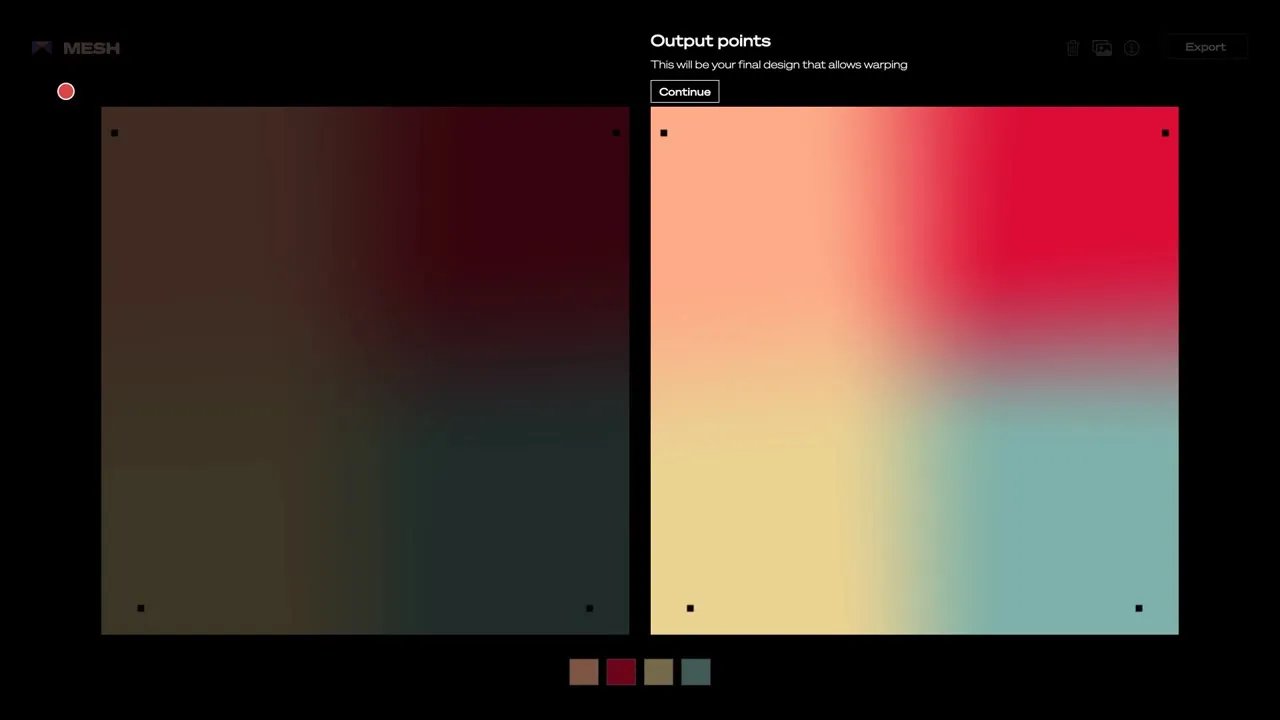
A simple way to make unique gradients with shaders. Place your colour points and the gradient updates in front of you, with an export button in the corner. The page doesn’t state licence terms, so treat it as unclear and check before commercial use.
Link: meshgradient.com
13. Cool Backgrounds
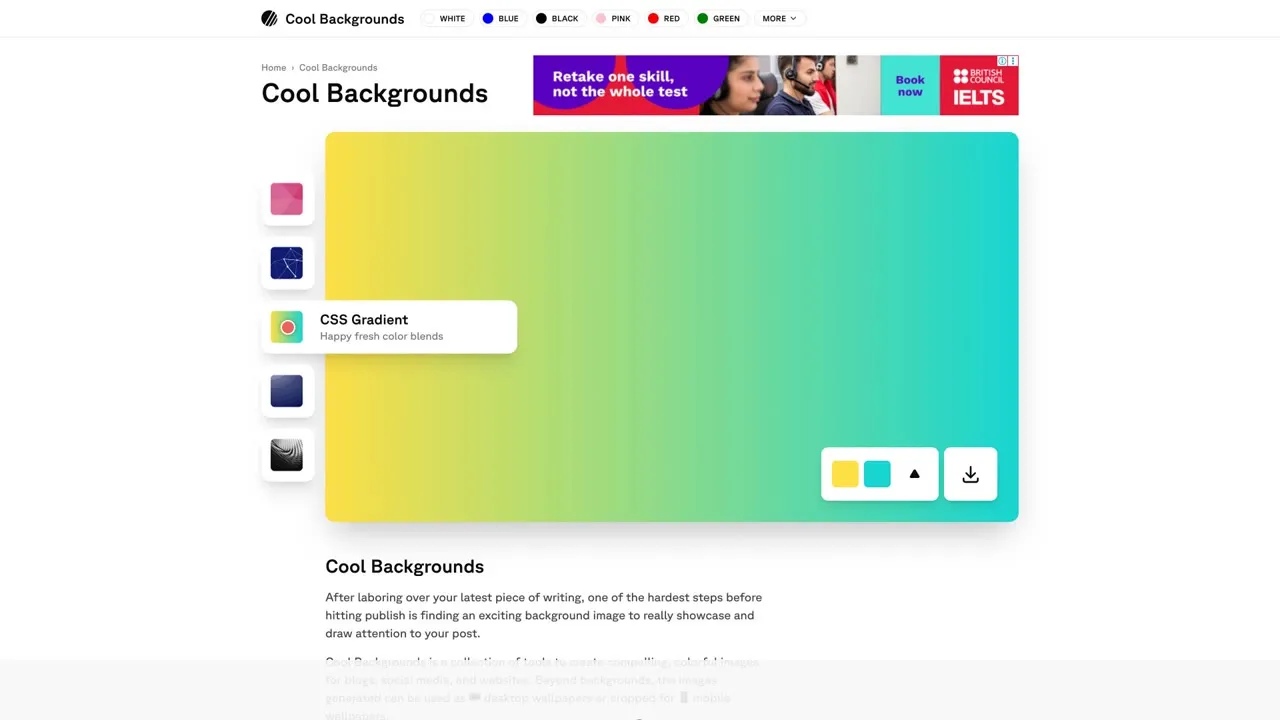
Switch between styles like Trianglify, Particles, CSS Gradient and Gradient Topography, change the palette, and download the result. The site doesn’t say what licence applies, so ask first if the background is for a business.
Link: coolbackgrounds.io
4 tips to keep your designs consistent
- Stick to one icon set per project, so line weight and corner style match.
- Match the stroke width and size your icons on a grid.
- Use SVG for sharp, scalable graphics, and PNG only when you need a flat image.
- Keep a licence log with the site, link, licence and any credit you owe.
Licences can change, so check the current terms on each site before you use an asset.